

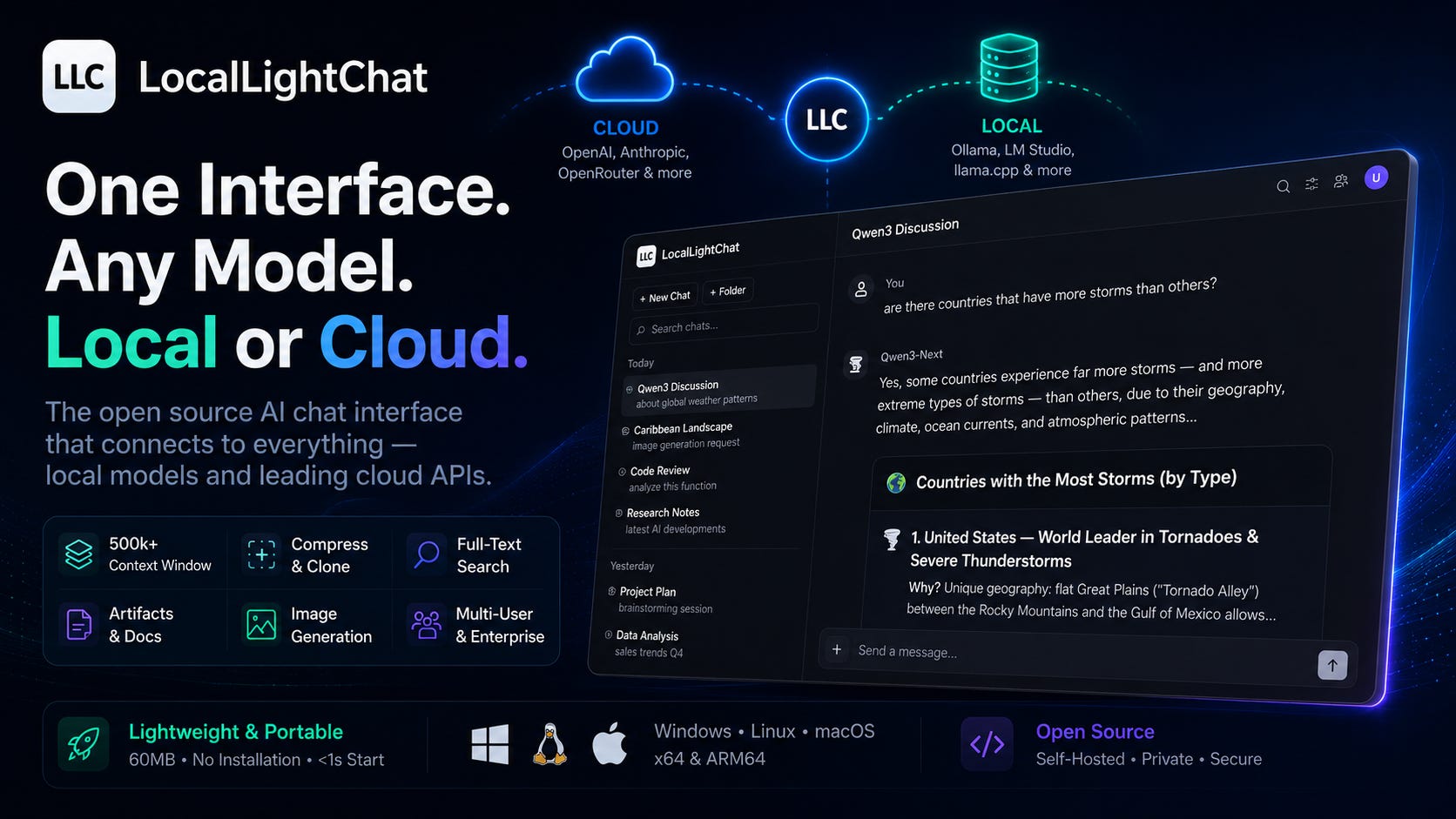
There’s a gap in the AI tooling landscape that most people have quietly accepted: the chat interface layer is either too heavy, too fragile, or requires a non-trivial setup process before you see a single response.
The options on the market split into recognizable categories. On one end: feature-rich, self-hosted platforms that need Docker, a database, and a configuration session before anything works. Powerful in theory, but 500MB installed, significant RAM at idle, and prone to breaking on updates. On the other end: minimal scripts or terminal wrappers — technically functional, but not something you’d use for actual sustained work. In the middle: cloud-only interfaces that are polished and convenient, but tie you to one provider, one pricing structure, and one set of decisions about what you can and can’t do.
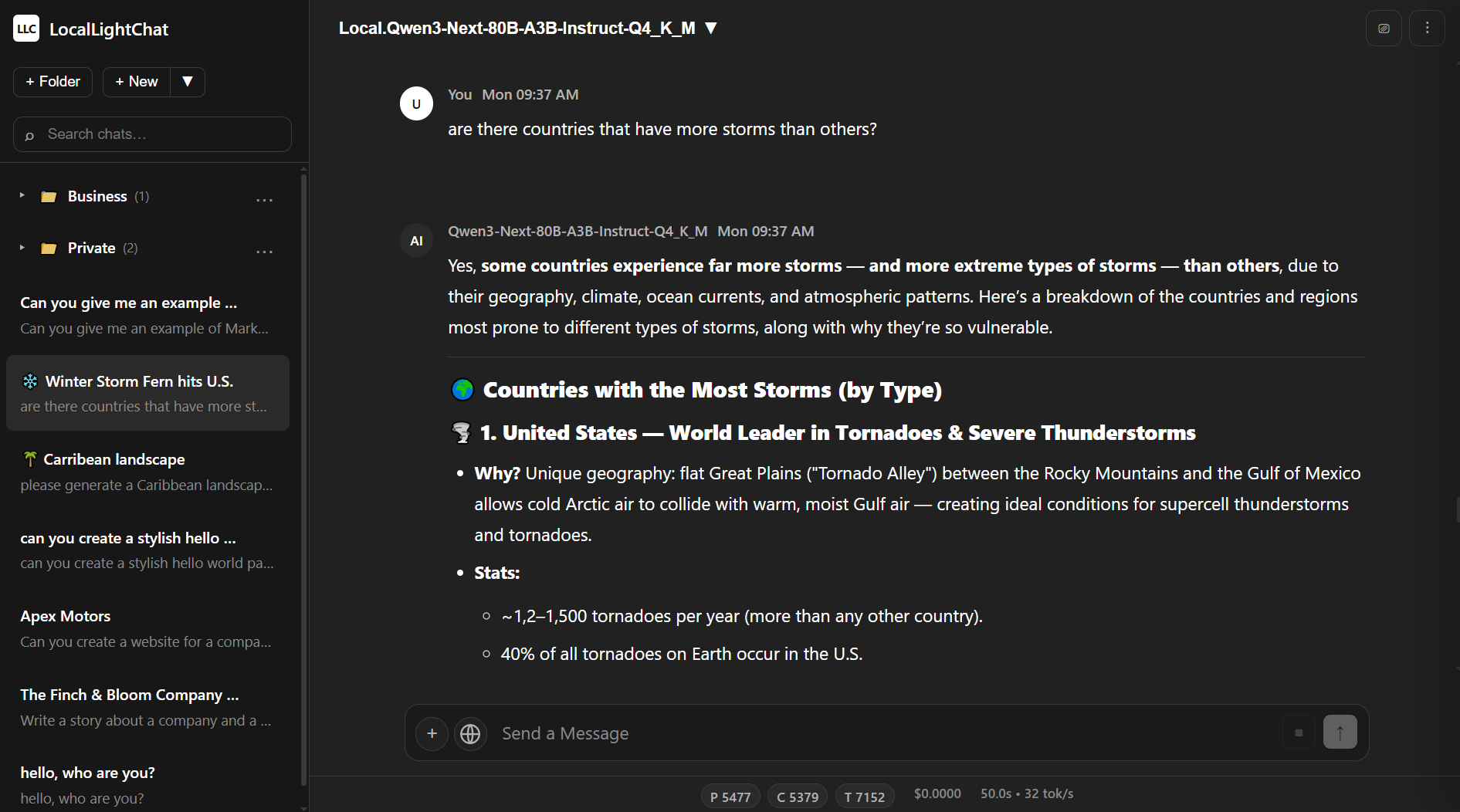
LocalLightChat fits none of these categories. It connects to anything — local inference servers, OpenAI, Anthropic, any OpenAI-compatible endpoint — and deploys however you need it to.
Three Deployment Modes, Each Serious
This is worth addressing upfront because it shapes who LocalLightChat is actually for.
Portable Binary
Download, run, works. No Docker daemon. No Python environment. No npm install. No database to provision. Cold start under one second. The binary is under 60MB and runs on Windows 64-bit, Linux x64 and ARM64, and macOS — on a high-end workstation and on a 15-year-old laptop equally.
This is the right option for individual users, developers, and anyone who wants to go from zero to working in under a minute. It’s also the right option for air-gapped environments, edge hardware, and machines where you don’t have admin rights to install software properly. ARM64 Linux support in particular covers a use case most frontends still ignore.
Self-Hosted
Clone the repository, configure, deploy on your own nginx or equivalent stack with PHP 8.x and SQLite. Full infrastructure control — your server, your data, your configuration. No vendor dependency beyond the software itself.
This is the right option for teams and organizations that already have server infrastructure and want to run LocalLightChat as a proper internal service. It integrates into existing nginx setups, works behind reverse proxies, and gives you complete control over data residency. SQLite handles smaller deployments cleanly; the enterprise edition upgrades to PostgreSQL when you need it.
Docker
Pre-configured image for amd64 and arm64. One command, runs everywhere a Docker daemon runs.
docker pull srwarenet/locallightchat:latest
This is the right option for teams that already live in containers, for reproducible deployments, and for anyone who wants the self-hosted functionality without managing a PHP stack directly. The image is pre-configured — pull, run, configure your endpoints, done.
Endpoint Compatibility
All three deployment modes connect to the same range of endpoints: Ollama, LM Studio, llama.cpp, OpenAI, Anthropic (via proxy), any custom OpenAI-compatible deployment. The interface is consistent regardless of what’s on the other end. Switching between a local model and a cloud API is a connection config change, not a workflow change.
What It Actually Does
Context: 500k+ Tokens
The context handling is engineered, not just marketed. 500k+ tokens works on enterprise hardware and on consumer hardware, within the limits of what the underlying model and inference backend can process. The interface itself doesn’t become the bottleneck — which is more than you can say for frontends that start struggling at 20k tokens because they’re re-rendering the entire chat thread on every update.
Compress & Clone
This is worth spending time on because it solves a problem most people have learned to silently accept.
Long conversations accumulate noise. By the time you’re 80 messages into a research or coding session, a large chunk of the context window is occupied by early exploratory turns, abandoned directions, and redundant back-and-forth. The model is paying attention to all of it. At some point you hit the context ceiling and either start over or try to manually summarize — both options are pure friction.
Compress & Clone takes the current conversation, runs semantic extraction to identify decision-critical content, and compresses it to roughly 2k tokens from 50k. You get a new session pre-loaded with the compressed state and continue from there. The conversation doesn’t end because the window filled up.
Scenario: You’re working through a complex architecture decision over 60 messages. The conversation covers dead ends, a few good insights, and a current working direction. Compress & Clone produces a clean continuation that contains the working direction and key constraints — without the 40 messages of exploration that led there.
Full-Text Search Across Your Entire History
Server-side substring matching across unlimited chat history, under 100ms. Not a front-end filter on a paginated list — actual search across everything you’ve saved.
The distinction matters when your chat history grows past a few dozen conversations. Most interfaces give you a sidebar with recent chats and a scroll. That works for occasional use; it fails completely when your conversation history becomes a real knowledge base — solved problems, working prompts, reference outputs, research threads accumulated over months.
Documents and Artifacts
When you’re iterating on a long-form output — a document, a code block, a report — the standard chat workflow creates an annoying problem: every revision dumps the full artifact back into the chat thread. After five iterations you’re scrolling past stale versions to find the current one.
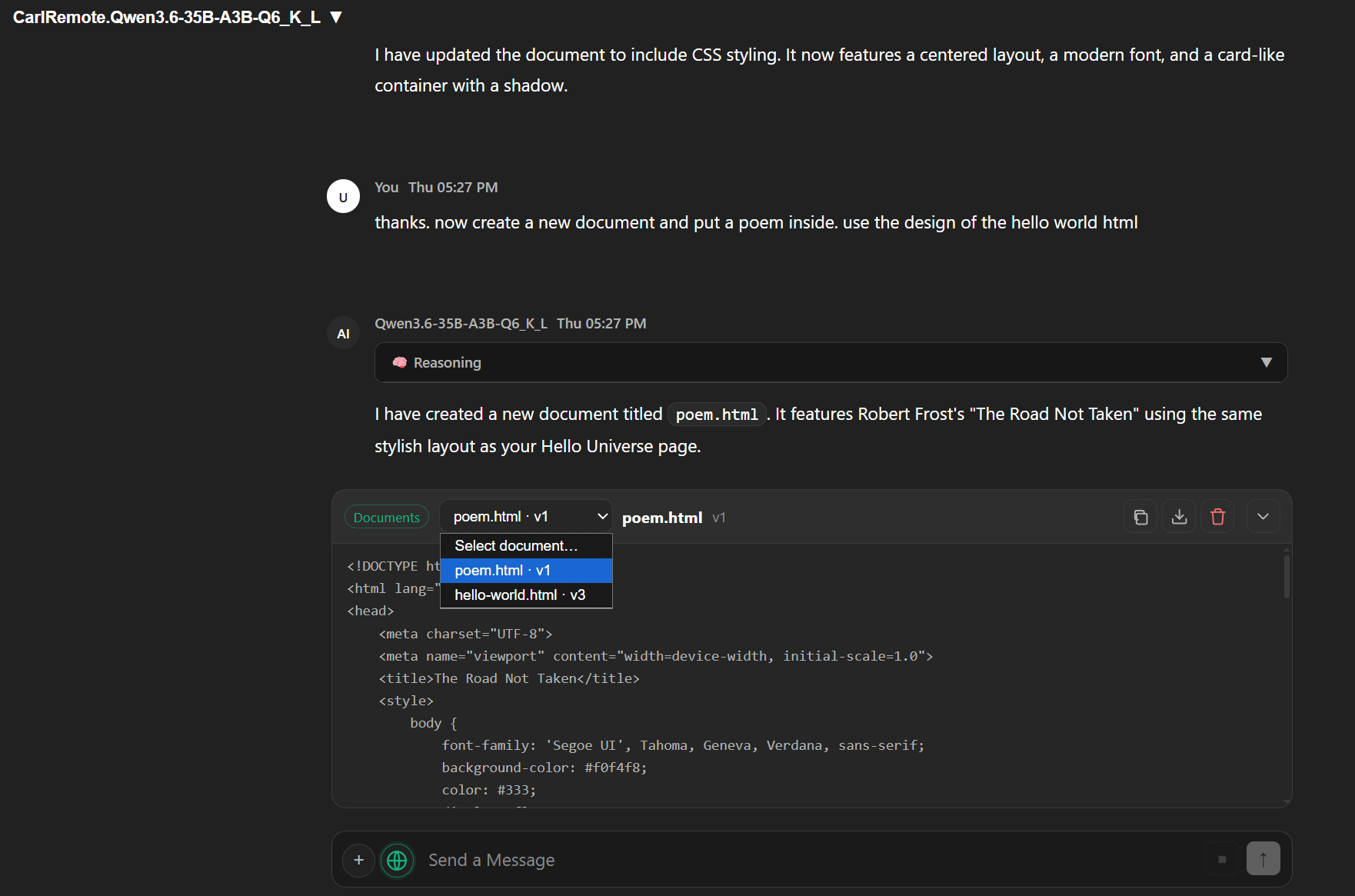
Artifacts in LocalLightChat are editable objects that live alongside the conversation, not inside it. You refine them in place. The chat thread stays clean.
Web Search and Fetch
Integrated search via Serper, Brave, or a custom endpoint. Integrated URL fetch. Both designed for minimal token overhead — functional research workflows without burning context on search result formatting.
Image Generation
Via OpenAI API or direct ComfyUI binding with auto-detection.
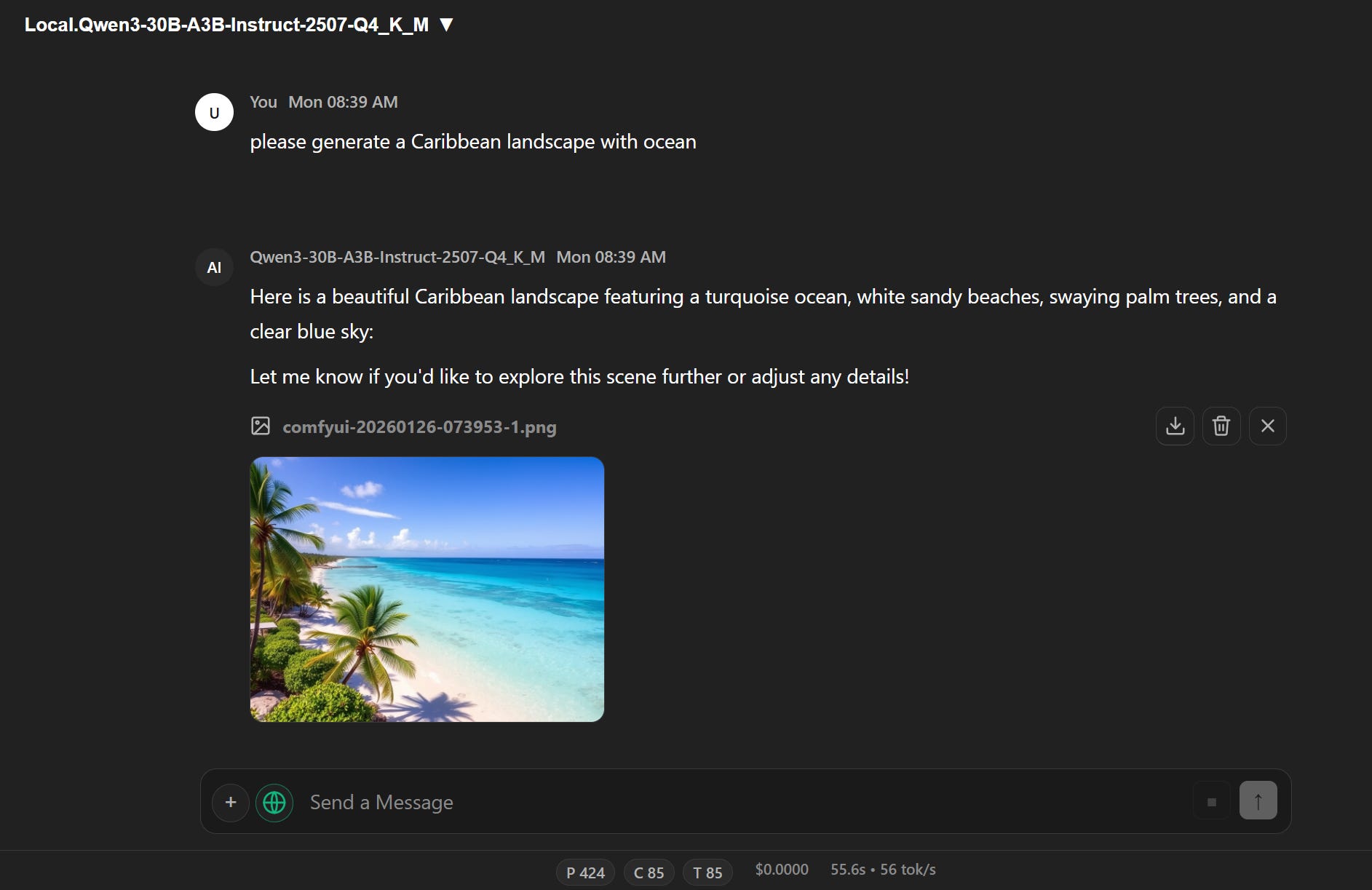
Works without running a separate application or managing a second service.
Full LLM Parameter Control
Temperature, top-p, top-k, DRY, Mirostat — accessible directly, not buried in a config file or a modal three levels deep. For anyone who actually uses these parameters rather than accepting defaults, having them at hand without ceremony is a meaningful quality-of-life improvement.
Multi-User and Team Features
All three deployment modes support the full user system: superadmin, admin, and user roles with granular settings inheritance and connection sharing. One person configures the API connections — whether those point to a local inference server, an OpenAI org key, or a private deployment — and everyone else gets a clean interface without touching configuration directly.
Scenario: A team wants to share access to several endpoints — an internal model for sensitive work, a cloud API for general use — with different roles having access to different connections. One admin configures everything once. The rest of the team just uses it.
Enterprise Edition
For larger organizations, the enterprise tier adds what the standard deployment doesn’t include:
SSO via SAML 2.0, OAuth 2.0, OIDC — Azure AD, Okta, custom providers.
PostgreSQL backend for high-availability deployments with replication and connection pooling, replacing SQLite for deployments at scale.
Custom branding — white-label deployment with logos, color schemes, custom domain.
Advanced user management — custom roles, department-level segregation, hierarchical access control, automated provisioning.
Audit logging — immutable audit trails with compliance reporting for SOC 2, ISO 27001, GDPR.
The path from personal tool to organizational infrastructure doesn’t require switching platforms. The portable binary, self-hosted stack, and Docker image are all the same software — the enterprise features layer on top of whichever deployment mode fits your infrastructure.
What LocalLightChat Is Not
It is not a model manager. It doesn’t handle model downloads, quantization, or inference configuration — that’s Ollama’s job, or llama.cpp’s. LocalLightChat handles the interface layer and leaves the rest to tools built specifically for those jobs.
It’s also not an everything-platform. No plugin marketplace, no built-in agent orchestration, no fine-tuning workflow. The overhead cost of trying to do everything is precisely what makes the alternatives painful to install and run. The constraint is the feature.
Design Philosophy
Most chat frontends are built frontend-first: start with a React app, add features, figure out deployment later. LocalLightChat is built deployment-first. The portability constraint — single binary, under 60MB, sub-second start — shapes every other decision.
This produces a specific kind of software. It can’t afford to bundle a Node.js runtime. It can’t afford to require a database for basic operation. It can’t treat RAM as free. These constraints push back against feature bloat in a way that explicit design goals rarely do on their own.
The result behaves like infrastructure rather than a consumer app: predictable, fast, unobtrusive. Whether you’re running the binary directly, deploying via Docker, or running it behind nginx — it doesn’t need your attention when it’s working, which is most of the time.
Who This Is For
Individual developers and power users who want a frontend that starts in a second and stays out of the way
Teams running shared API access who need proper access control without enterprise overhead
DevOps teams who want a containerized deployment with no dependency surprises
Self-hosters who want full infrastructure control and data residency
Organizations that need SSO, audit logging, and compliance-ready reporting
Anyone whose current chat frontend is something they tolerate rather than enjoy
Getting Started
Checkout www.locallightai.com/llc/ and chose your favored package.